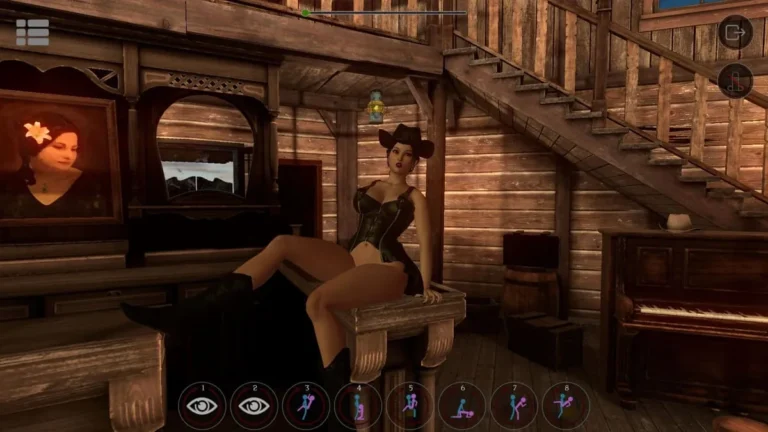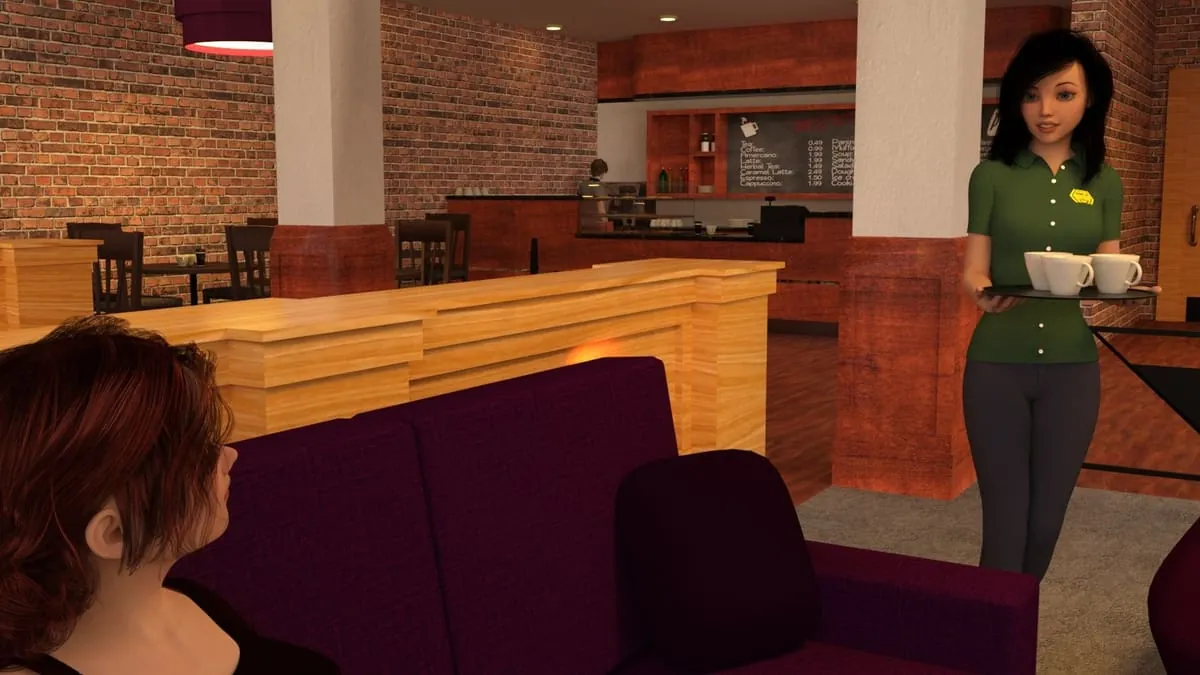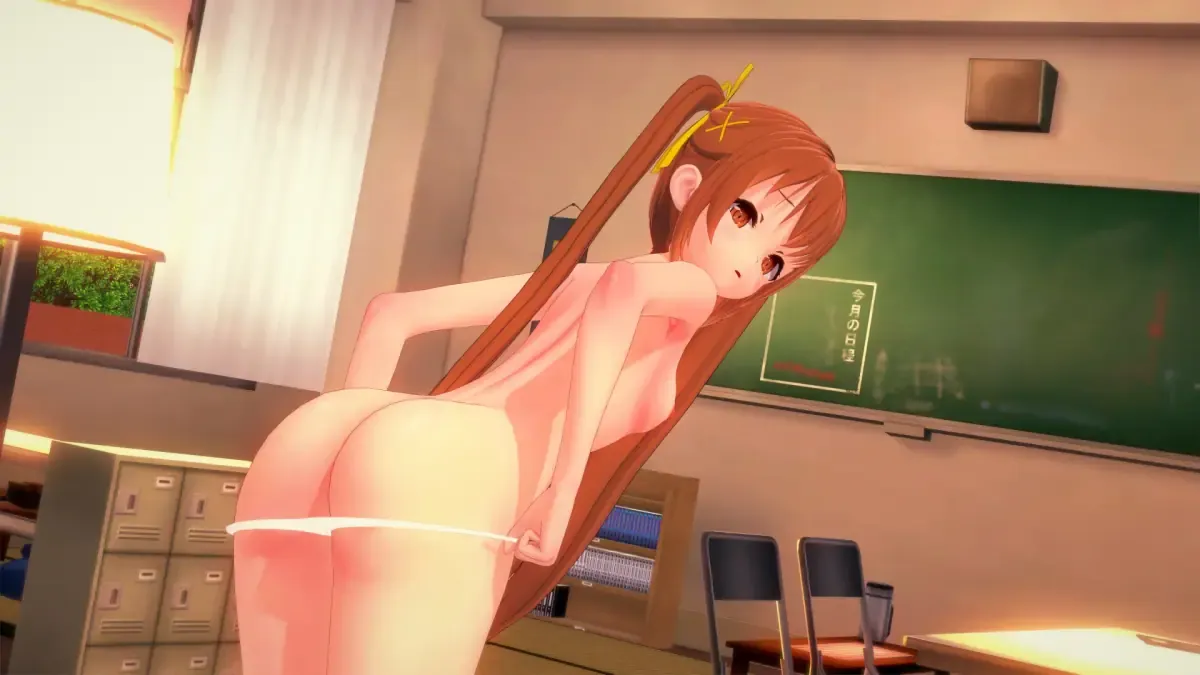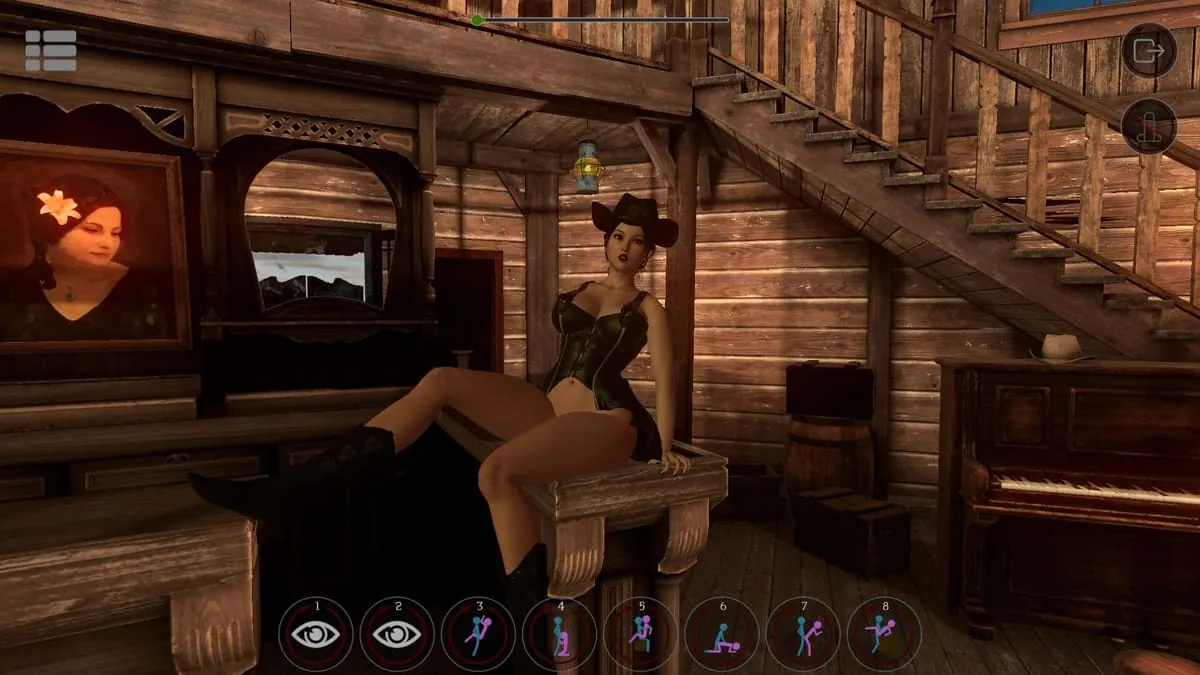
SinVR Screenshots
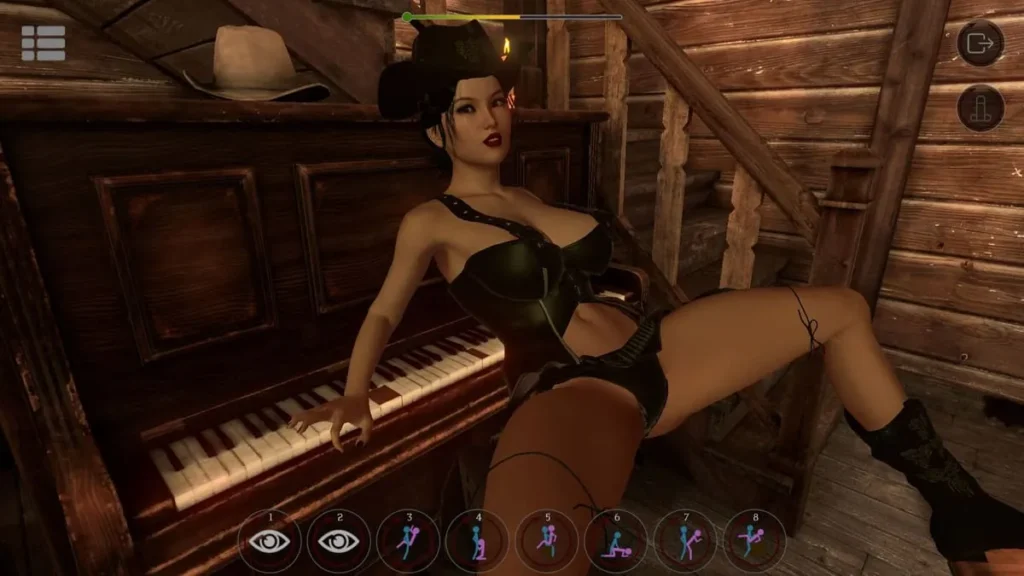
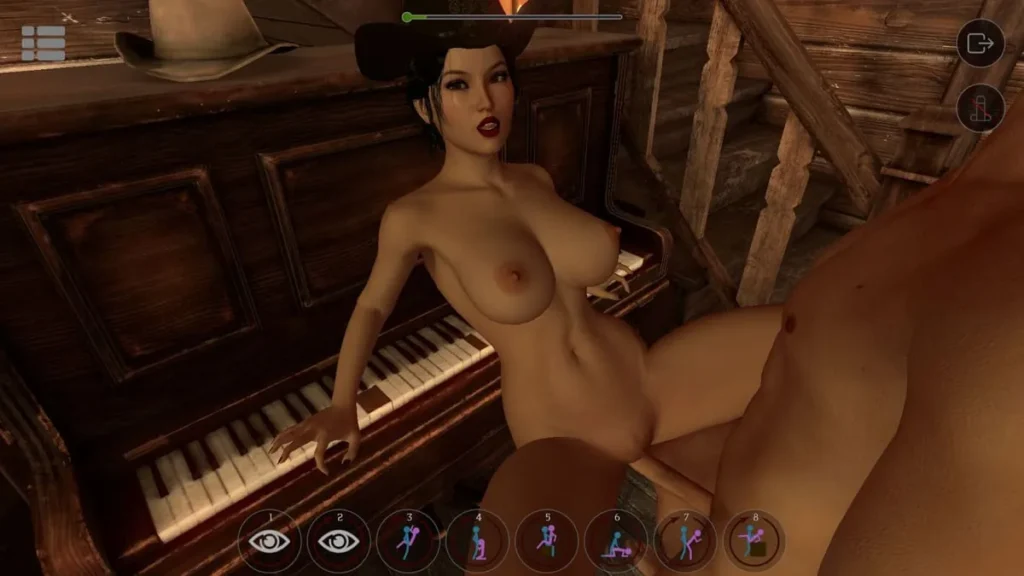
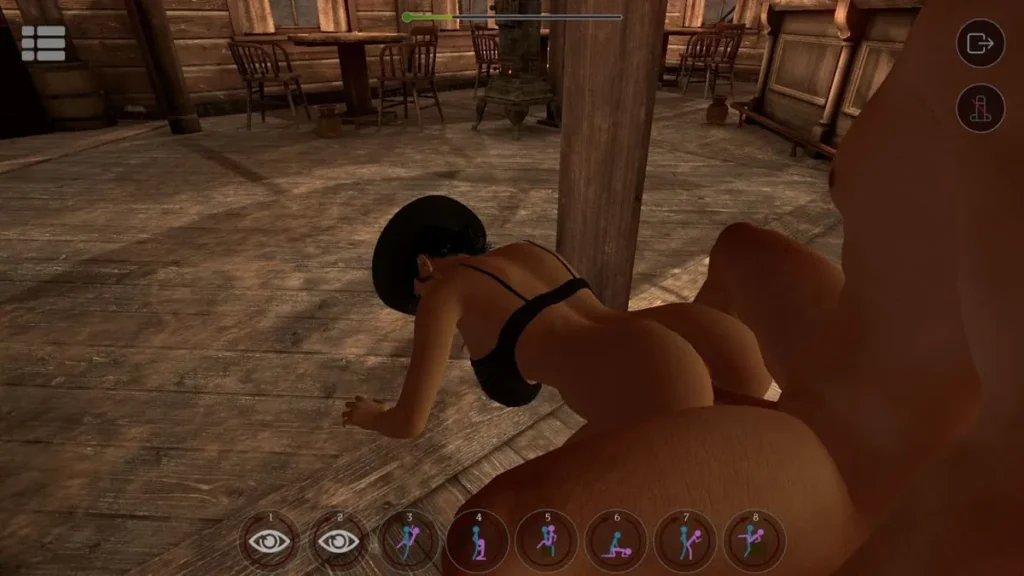
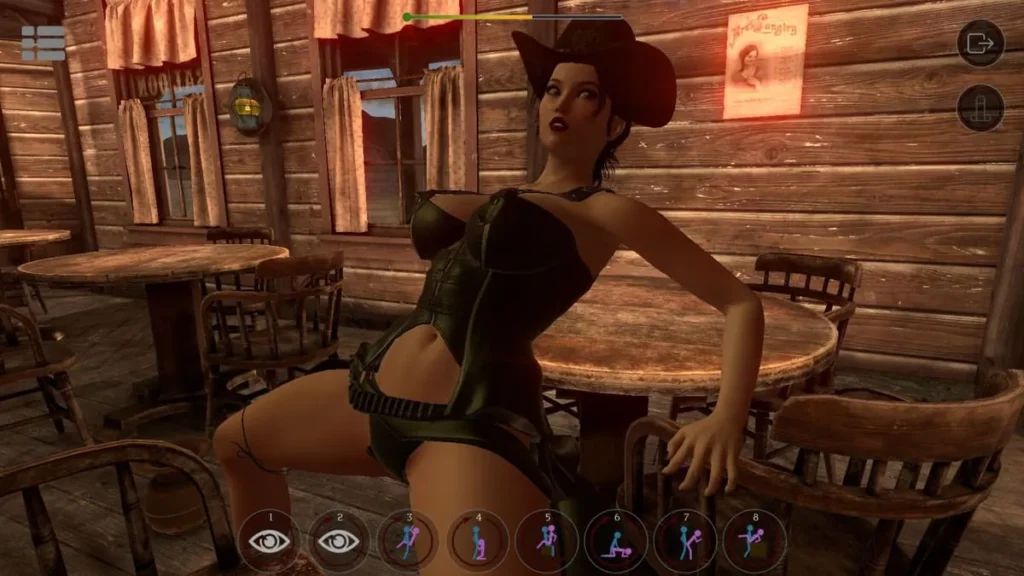
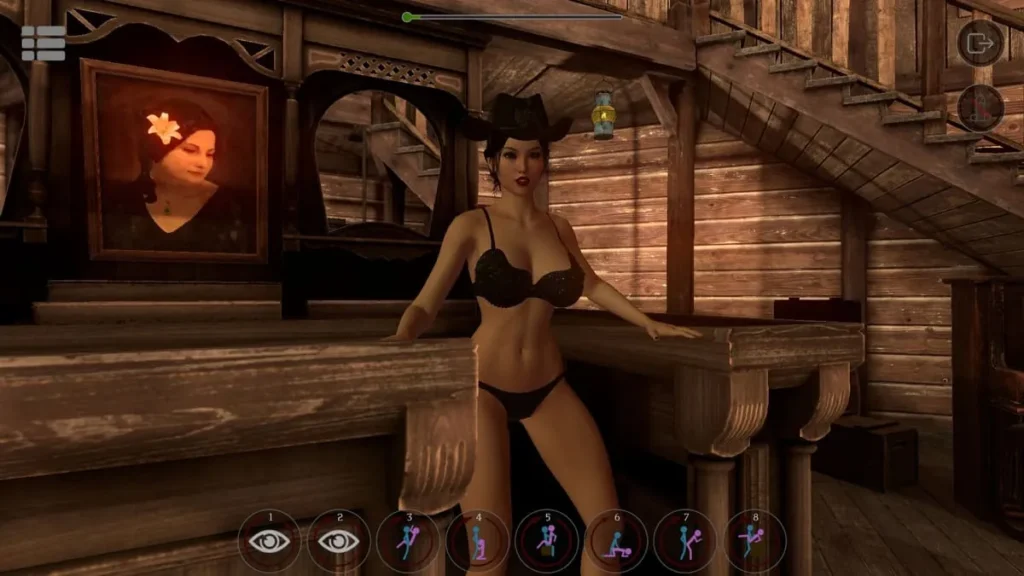
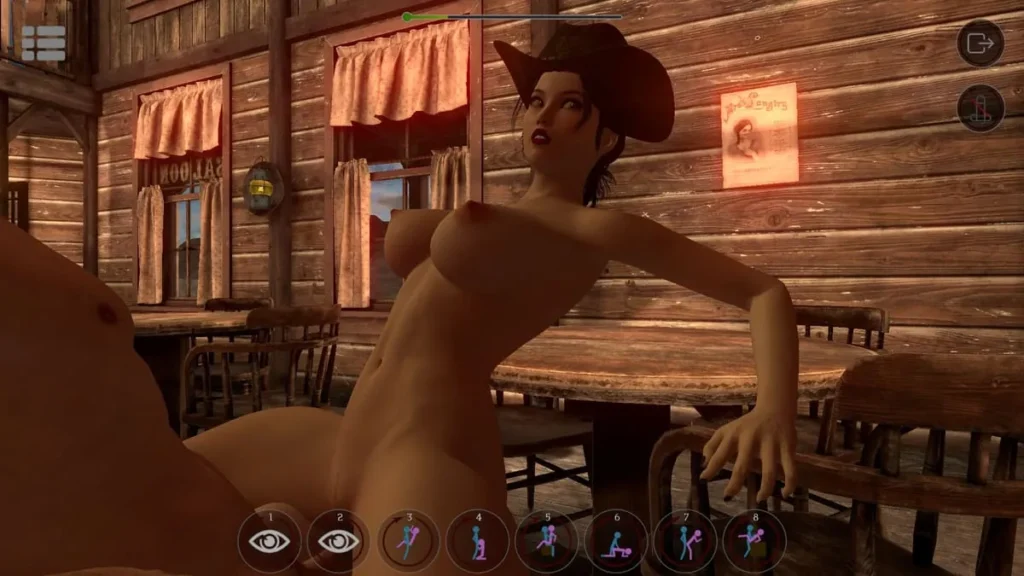
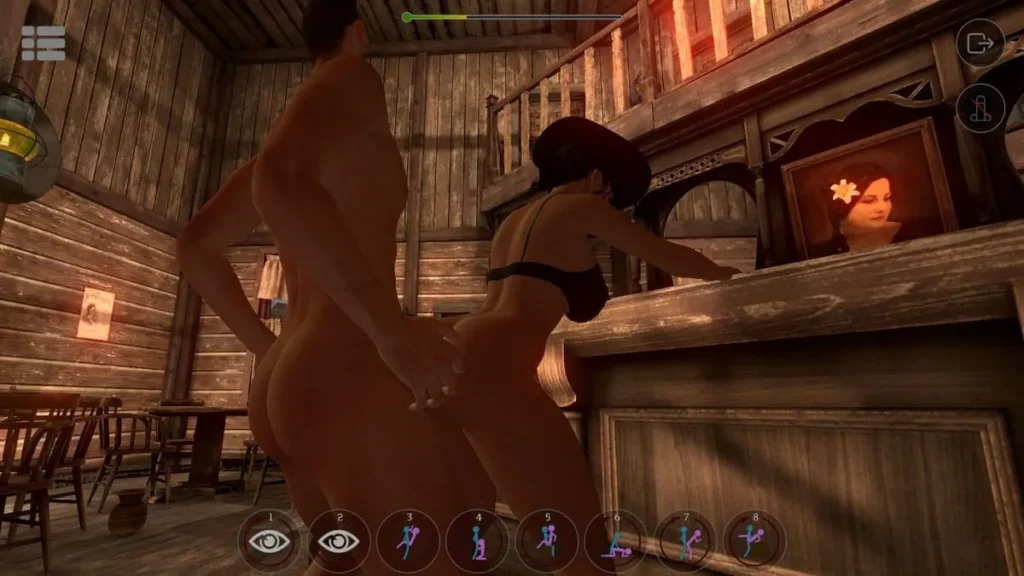
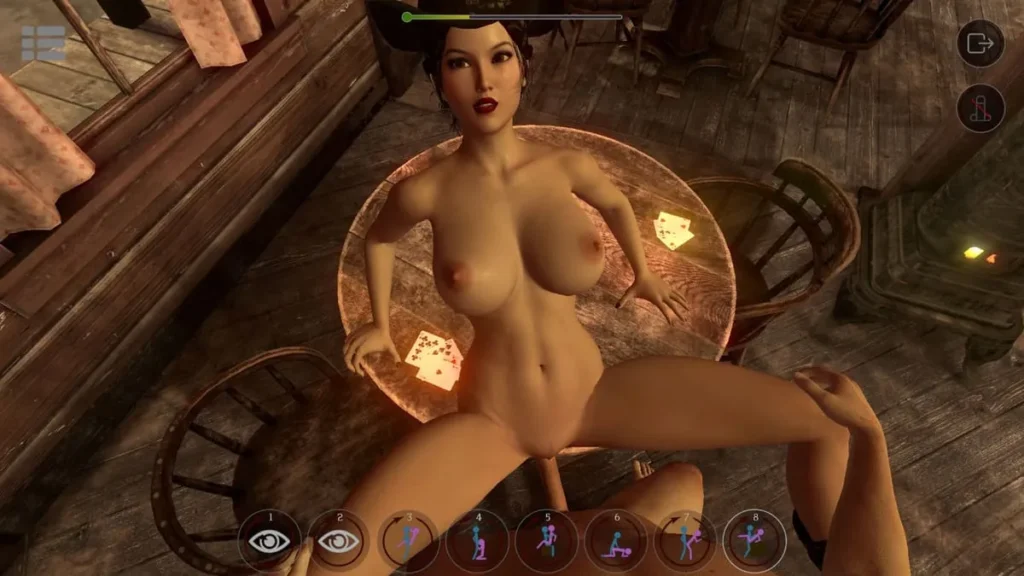
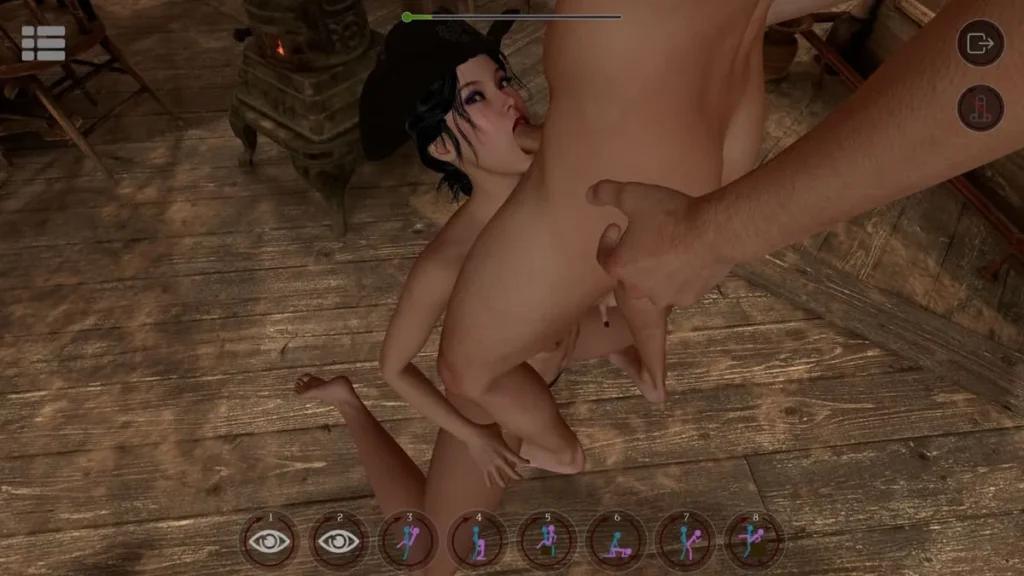
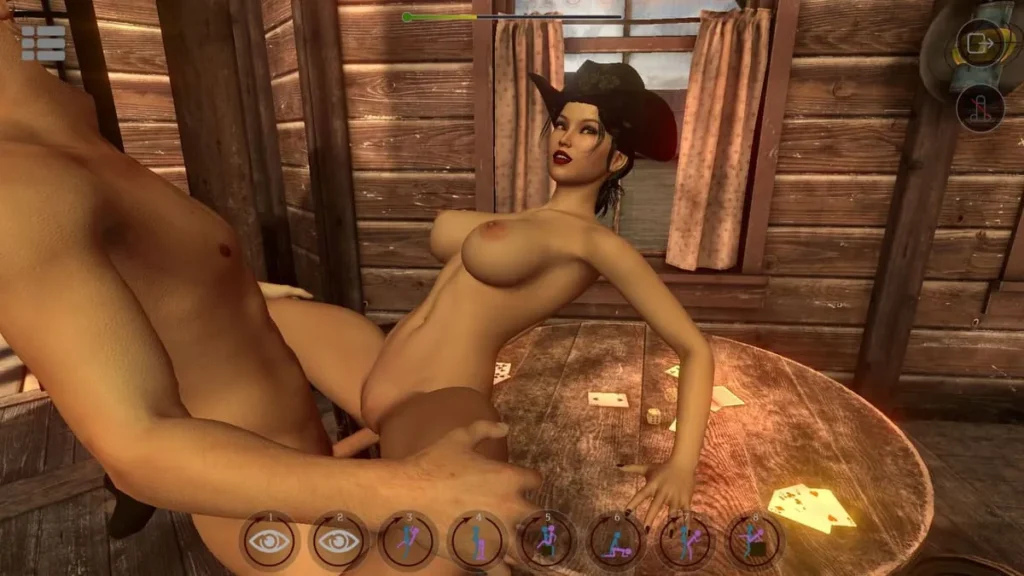
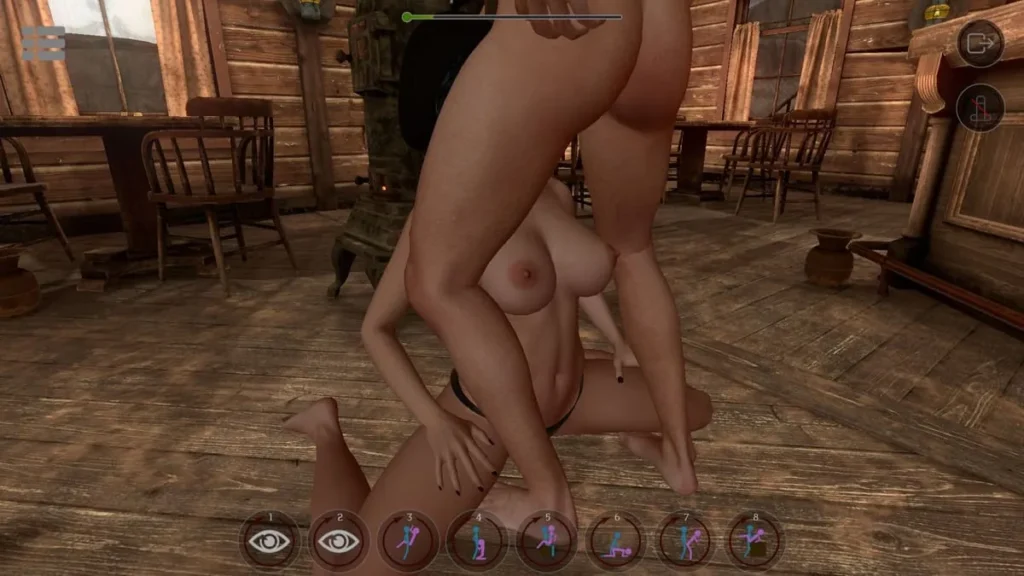
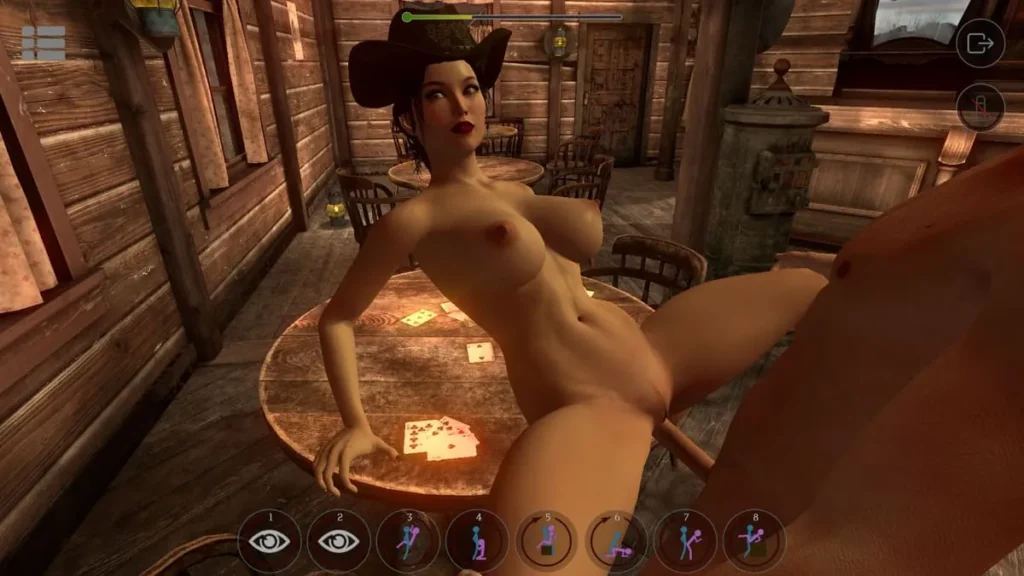
SinVR review
Explore the Features, Gameplay, and Customization of SinVR
SinVR invites players into a highly immersive virtual reality world where adult fantasies come to life. This unique simulation game combines interactive AI-driven characters with VR technology to create a personalized and engaging experience. Whether you use VR headsets or play in No-VR mode, SinVR offers a variety of scenarios and characters to explore, making it a standout title in adult-themed VR entertainment.
Exploring SinVR Gameplay and Features
Ever felt like you were just going through the motions in a digital experience? 😒 You select a scene, pick a character, and… that’s kind of it. The interaction feels scripted, the responses are predictable, and your sense of agency vanishes. I’ve been there, scrolling through libraries of content only to feel like a passive observer. That’s exactly why my first encounter with SinVR gameplay felt like a revelation. It wasn’t about watching a pre-recorded show; it was about stepping into a living, breathing world where my actions directly shaped the moment. 🎭
This chapter is your deep dive into what makes this platform tick. We’re going beyond the surface to explore the SinVR features that enable true immersion, break down the intuitive SinVR controls, and demystify the flexible SinVR VR support. Whether you’re a seasoned VR veteran or someone curious about dipping a toe in without the hardware, you’ll find out how SinVR adapts to you.
What Makes SinVR Unique?
At its heart, SinVR is a sandbox of possibilities, but calling it just a sandbox doesn’t do it justice. What sets it apart is its foundation of autonomy and reactivity. Gone are the days of static mannequins. The characters are driven by a sophisticated AI that gives them personality, mood, and, most importantly, agency. 🧠
During one of my early sessions, I learned this firsthand. I walked into a scene expecting to direct the action, but the character had her own ideas! She responded to my proximity, my gestures, and even seemed to have preferences based on the environment. This AI-driven behavior is the secret sauce. It means every encounter can feel fresh and unscripted. The SinVR gameplay revolves around this dynamic interaction—you’re not pressing play on a movie; you’re engaging with a responsive partner.
Another cornerstone of the SinVR features is the incredible freedom to mix and match. Think of it like the ultimate digital dollhouse, but with no rules. You aren’t locked into predefined scenarios. You can take any character from the extensive library and place them into any environment you own. Want a cozy intimate moment in a sprawling fantasy castle? Or something more modern in a rustic cabin? You’re the director. This level of customization empowers you to create the exact experience you’re imagining, which is a rarity in this space.
Finally, the commitment to continuous growth is palpable. The library is constantly expanding with new characters, outfits, animations, and scenes contributed by a dedicated community and developers. This ensures the SinVR gameplay never grows stale. There’s always a new combination to try, a new environment to explore, or a new character to meet.
Interaction Mechanics and Controls
Let’s talk about how you actually do things in this world. The SinVR interaction system is designed to be as intuitive as possible, prioritizing natural movement over complex button combos. The goal is to make the technology fade away, leaving you focused on the experience. 🤲
In VR, this is where the magic truly happens. Using motion controllers for platforms like HTC Vive or Oculus Rift, your real-world hand movements are translated directly into the virtual space. Want to reach out and touch? Just move your hand. The precision and one-to-one tracking make interactions feel genuine. The SinVR controls in VR often utilize grips, triggers, and thumbsticks in logical ways—grip to grab, trigger to select, thumbstick to move or navigate menus. It becomes second nature surprisingly fast.
But interaction goes beyond simple touch. The menu system is a key part of the SinVR features, allowing you to dynamically change almost anything on the fly. With a quick gesture, you can open a radial menu to swap characters, change outfits, adjust positions, or select from hundreds of animations. This menu is your command center, and its seamless integration means you never have to break immersion by taking off your headset.
Pro Tip: Spend a few minutes in a simple scene just practicing with the menu. Knowing how to quickly access options makes the experience infinitely more smooth and lets you focus on creating the moment, not fumbling with settings.
The SinVR camera controls are another powerful tool for both VR and desktop users. You have complete freedom to position the camera anywhere in the scene. Zoom in for a close-up, pull back for a wider angle, or set a fixed point and let the action unfold. For content creators or those who simply want to frame the perfect view, this level of control is indispensable. It turns every session into your own personally directed production.
VR and No-VR Modes Explained
One of the most inclusive and smartest SinVR features is its dual-access approach. SinVR understands that not everyone has a VR headset, and it refuses to lock those players out. Let’s break down how both experiences work.
For the full immersive plunge, SinVR VR support is robust. It’s compatible with all major PC-based headsets, including the Oculus Rift, HTC Vive, Valve Index, and Windows Mixed Reality devices. When you’re in VR, you are in the scene. The sense of presence, scale, and embodiment is total. The SinVR gameplay here is about physicality and presence. You use your body, you look around naturally, and the world responds in kind.
Then, there’s the brilliant SinVR No-VR mode. This is a game-changer for users without VR hardware or for those times when you might not want to suit up. In this mode, you play on your standard PC monitor using your keyboard, mouse, or even a gamepad. All the core SinVR features are intact—the AI characters, the vast library, the mixing and matching. The SinVR controls transition to a more traditional scheme: WASD for movement, mouse for looking and interacting, and hotkeys for menus.
I’ll be honest: I started in No-VR mode before investing in a headset. While it doesn’t provide the visceral immersion of VR, it’s a remarkably capable and enjoyable way to experience the platform. It’s perfect for exploration, customization, and understanding the flow of SinVR interaction. It proves that the heart of the experience isn’t only the headset; it’s the intelligent systems working behind the scenes.
To make the differences crystal clear, here’s a comparison:
| Aspect | VR Mode | No-VR Mode |
|---|---|---|
| Primary Hardware | VR Headset & Motion Controllers | PC Monitor, Keyboard & Mouse |
| Immersion Level | High (You are “inside” the world) | Moderate (You are “directing” the world) |
| Core Interaction | Direct, 1:1 hand tracking and physical movement | Mouse pointer for selection & traditional keybindings |
| Movement | Physical walking (room-scale) or controller-based teleportation | WASD keys or gamepad thumbsticks |
| Camera Control | Natural head movement; manual repositioning via menus | Full manual control via mouse and keyboard shortcuts |
| Best For | Complete sensory immersion and physical interaction | Accessibility, customization sessions, and content creation |
Ultimately, whether you’re reaching out with a motion controller or clicking with a mouse, SinVR’s flexibility ensures the core promise remains: a dynamic, customizable, and deeply engaging experience. The SinVR VR support and SinVR No-VR mode together create a gateway that welcomes everyone into its unique world, letting you choose how deeply you want to dive in. 🏊♂️✨
Exploring the SinVR gameplay and its suite of SinVR features reveals a platform built on player agency. From the responsive AI that powers genuine SinVR interaction to the adaptable SinVR controls that work in both VR and desktop modes, every element is designed to put you in the director’s chair. The powerful SinVR camera controls and inclusive hardware support mean you can craft your perfect experience, your way. It’s this commitment to freedom, reactivity, and accessibility that transforms SinVR from a simple application into a canvas for your imagination.
SinVR offers a distinctive adult VR simulation experience with its AI-driven characters, versatile interaction options, and extensive customization through DLC. Whether you prefer immersive VR gameplay or traditional PC controls, SinVR provides an engaging environment to explore your fantasies. With continuous updates and a growing library of characters and scenes, it remains a compelling choice for players seeking a personalized virtual experience. Dive into SinVR today and discover the possibilities of your own Forbidden World.